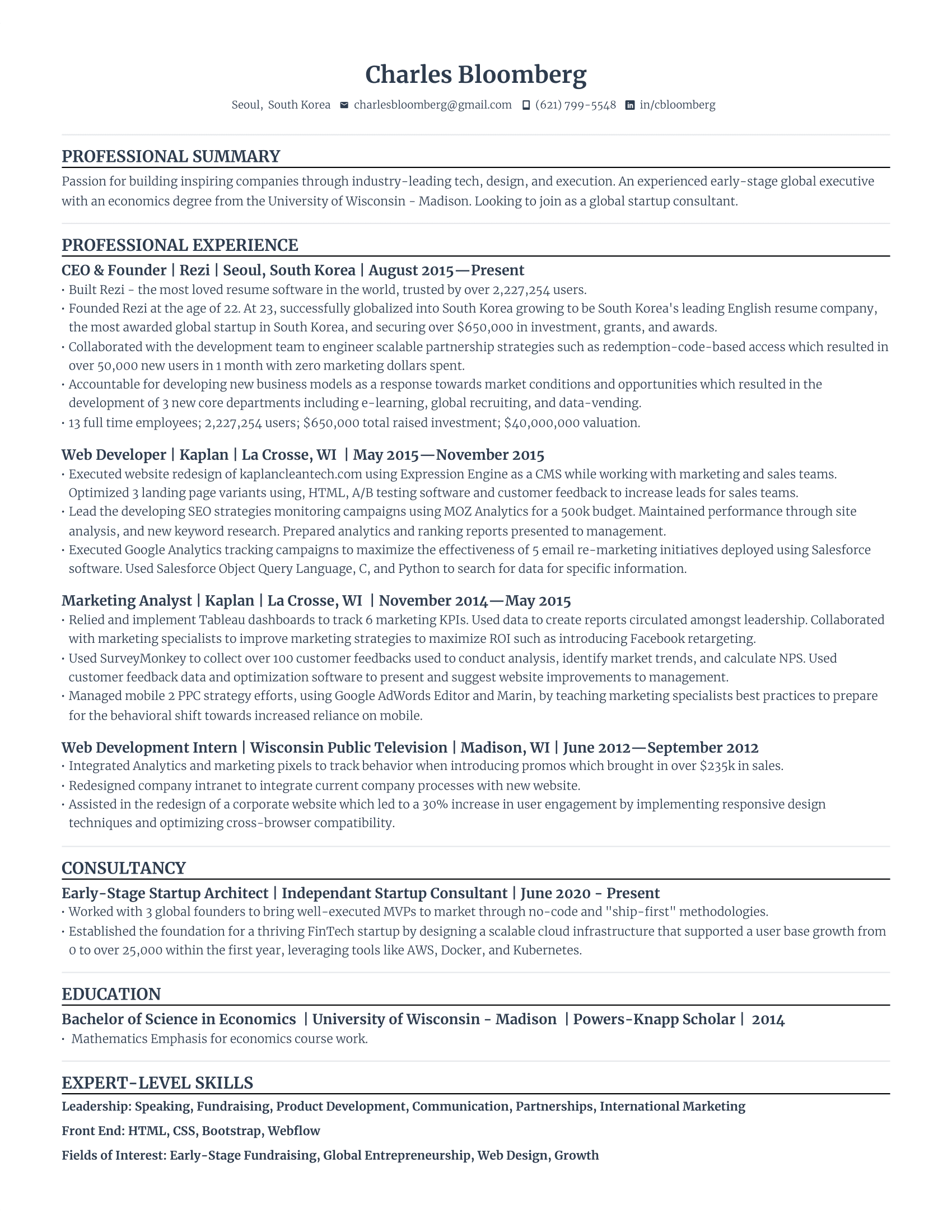
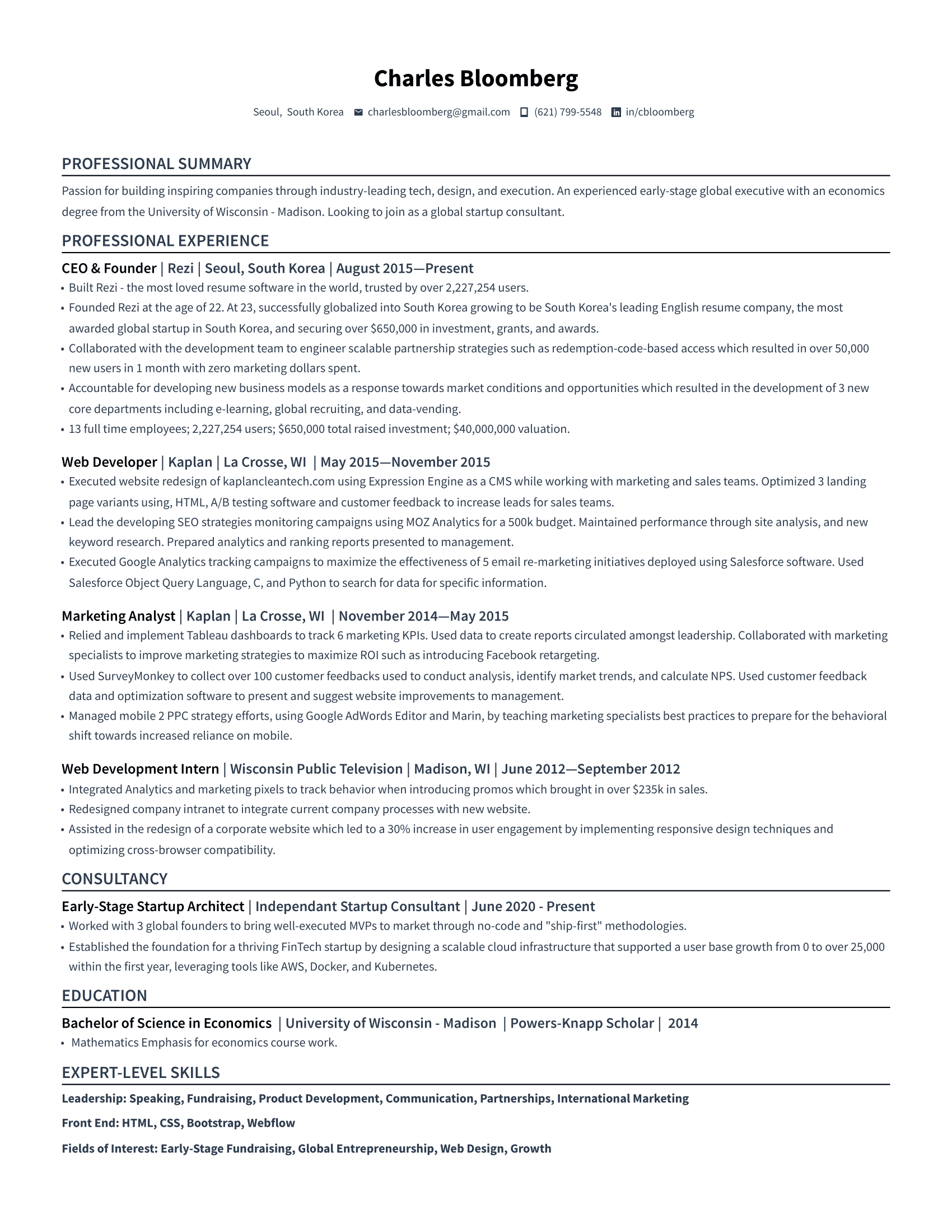
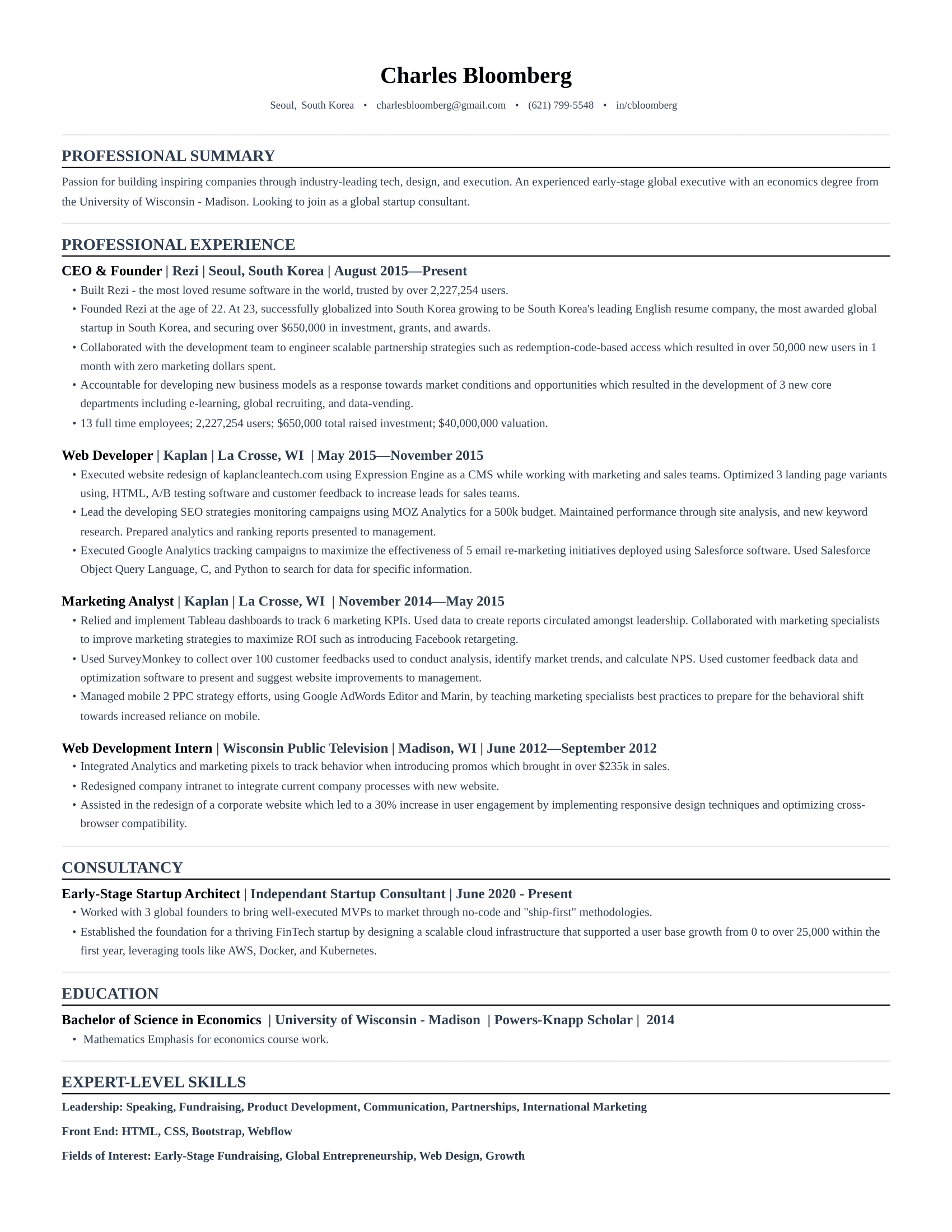
Getting started
01 — Getting started
How to Use These Resume Templates
Step 1
Browse and pick a template
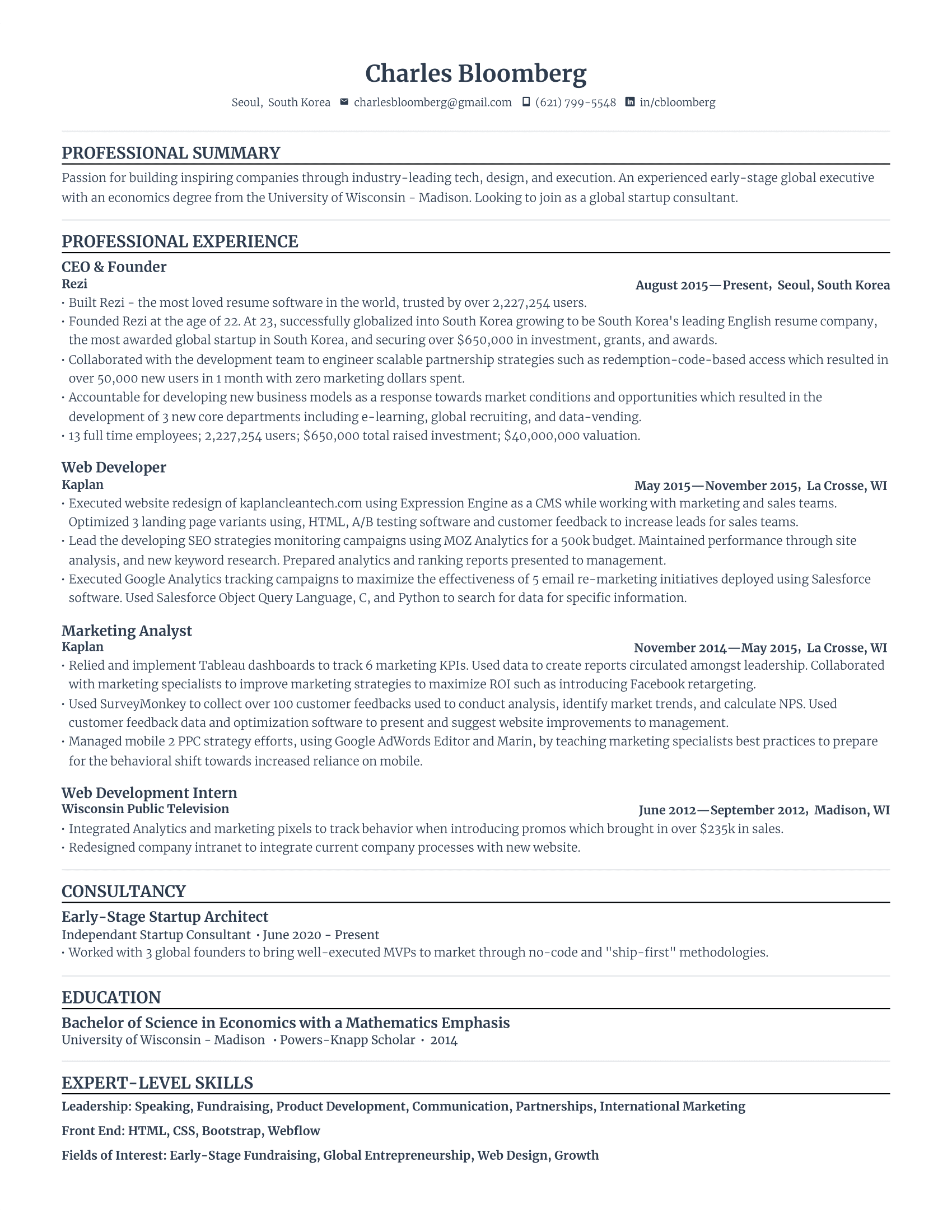
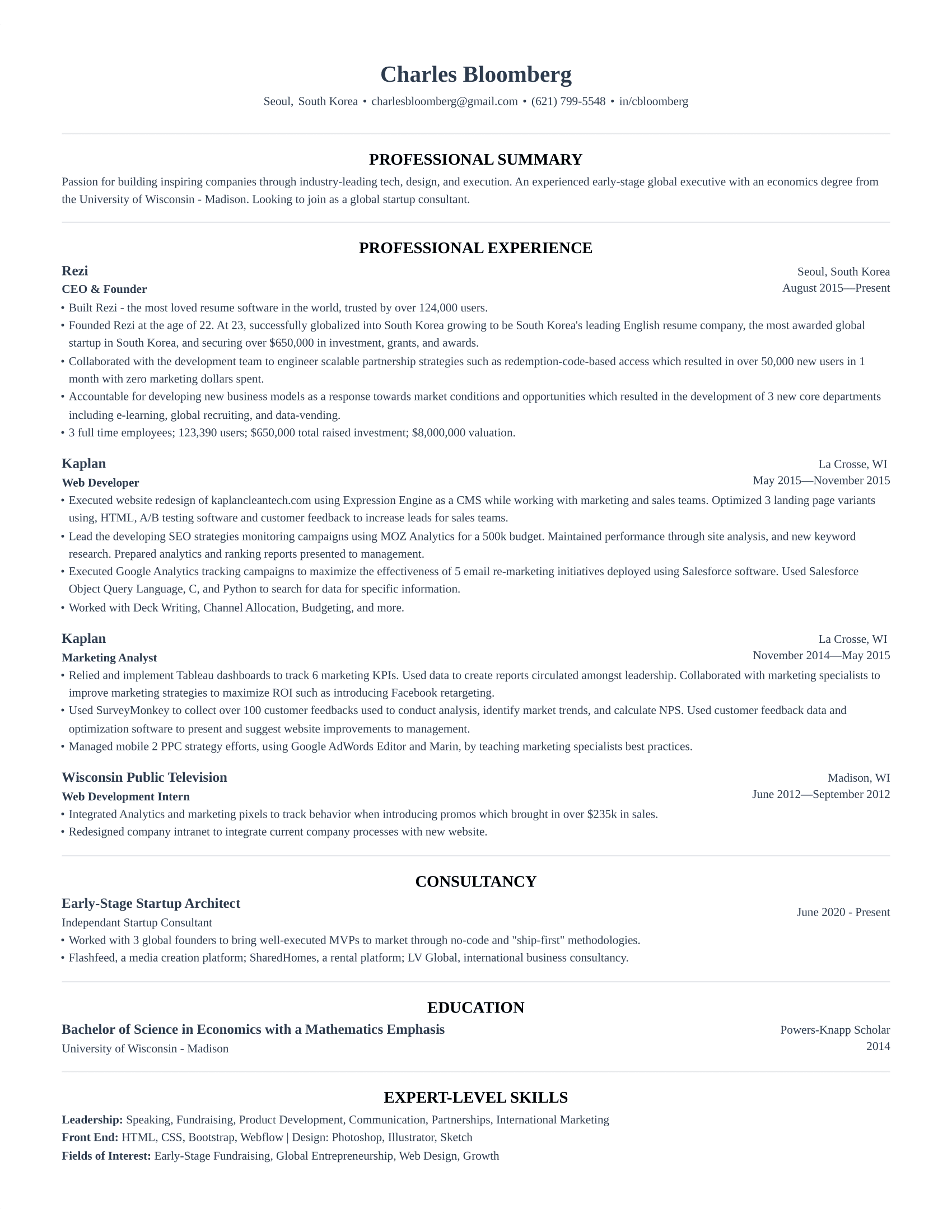
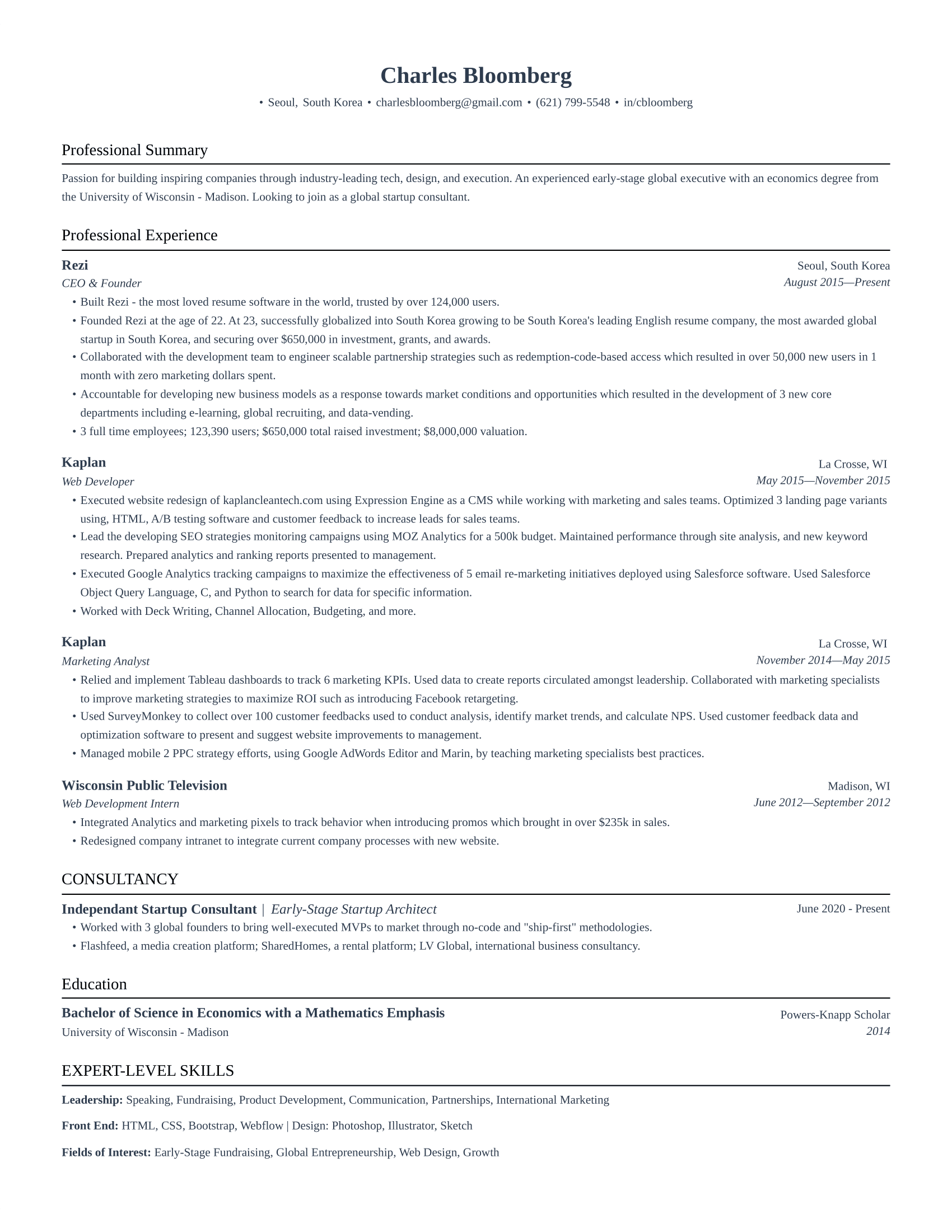
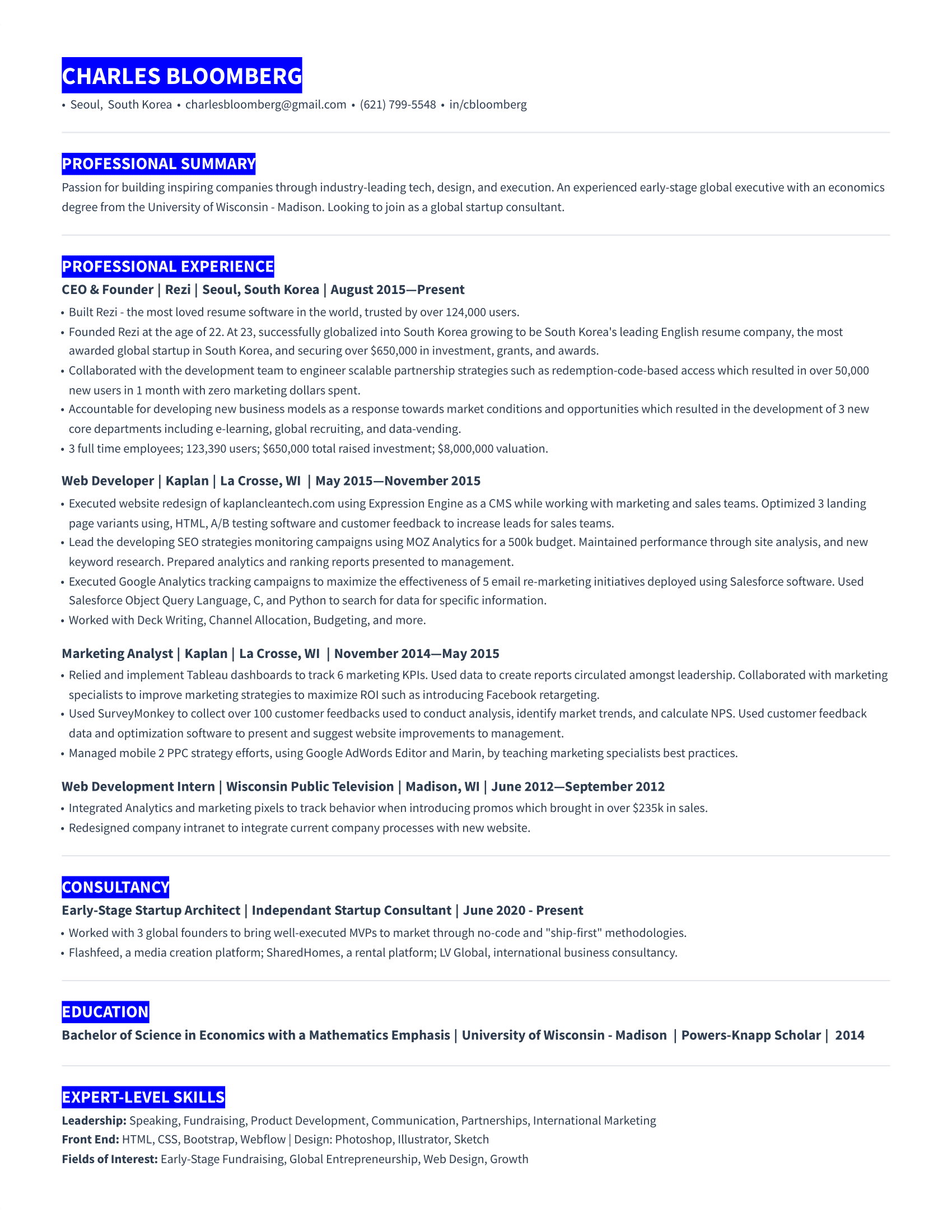
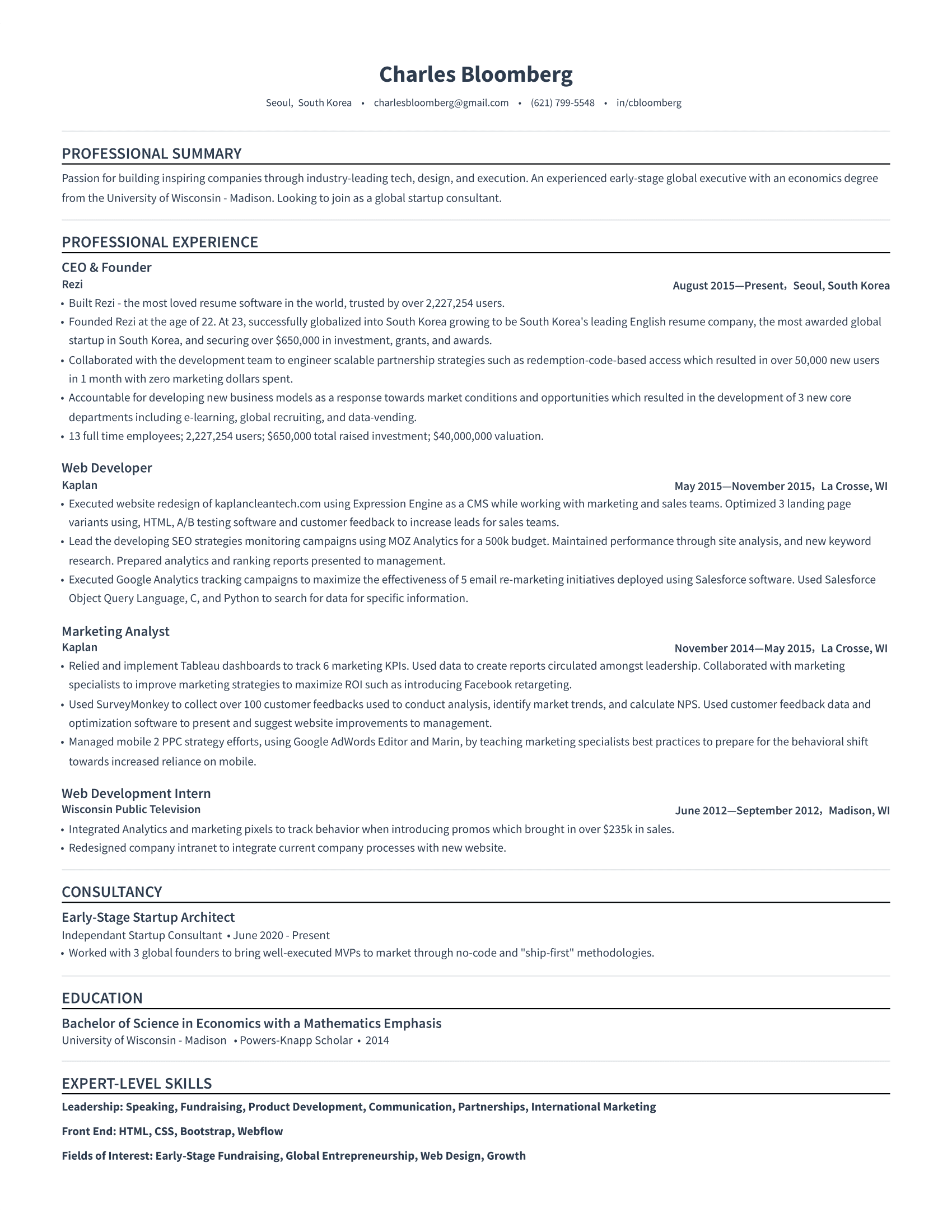
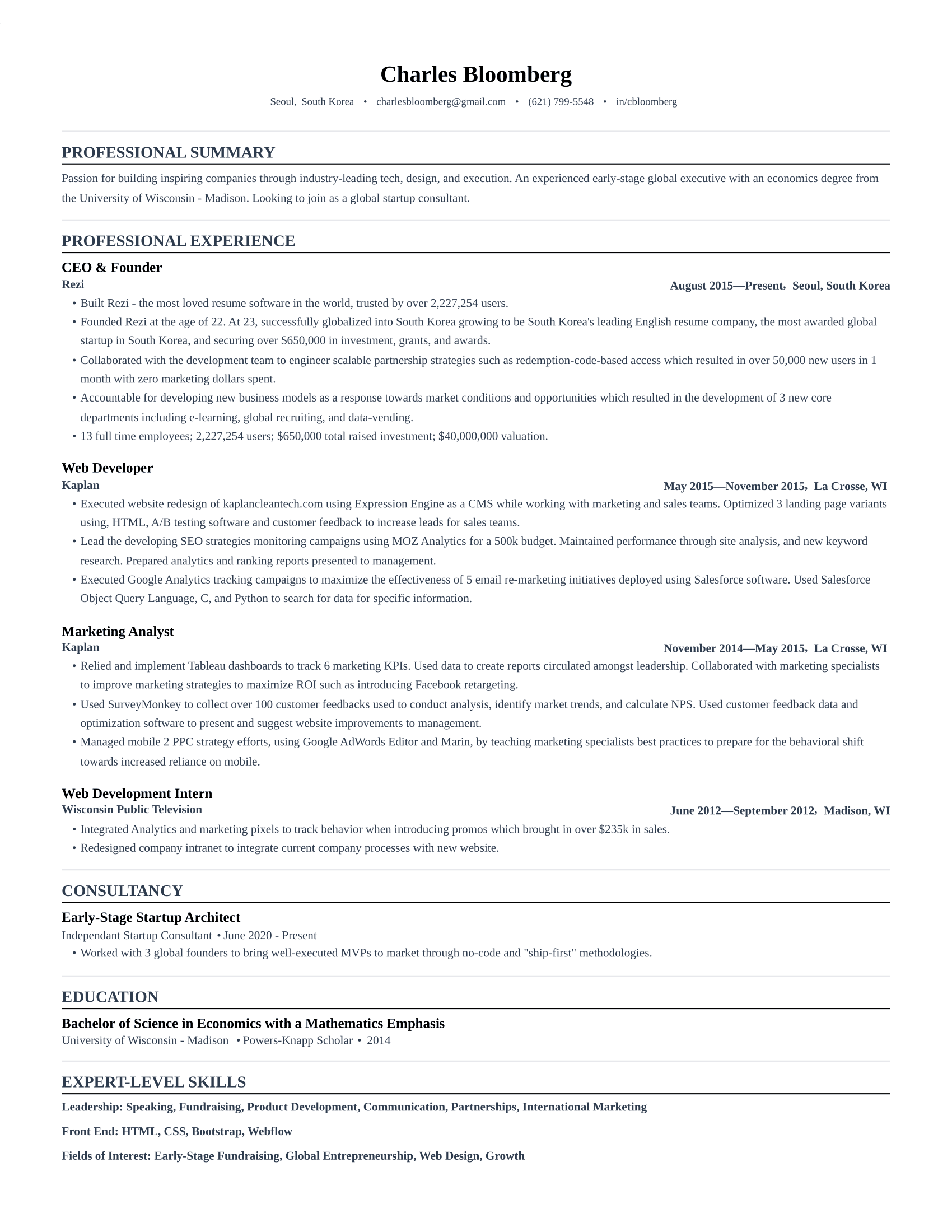
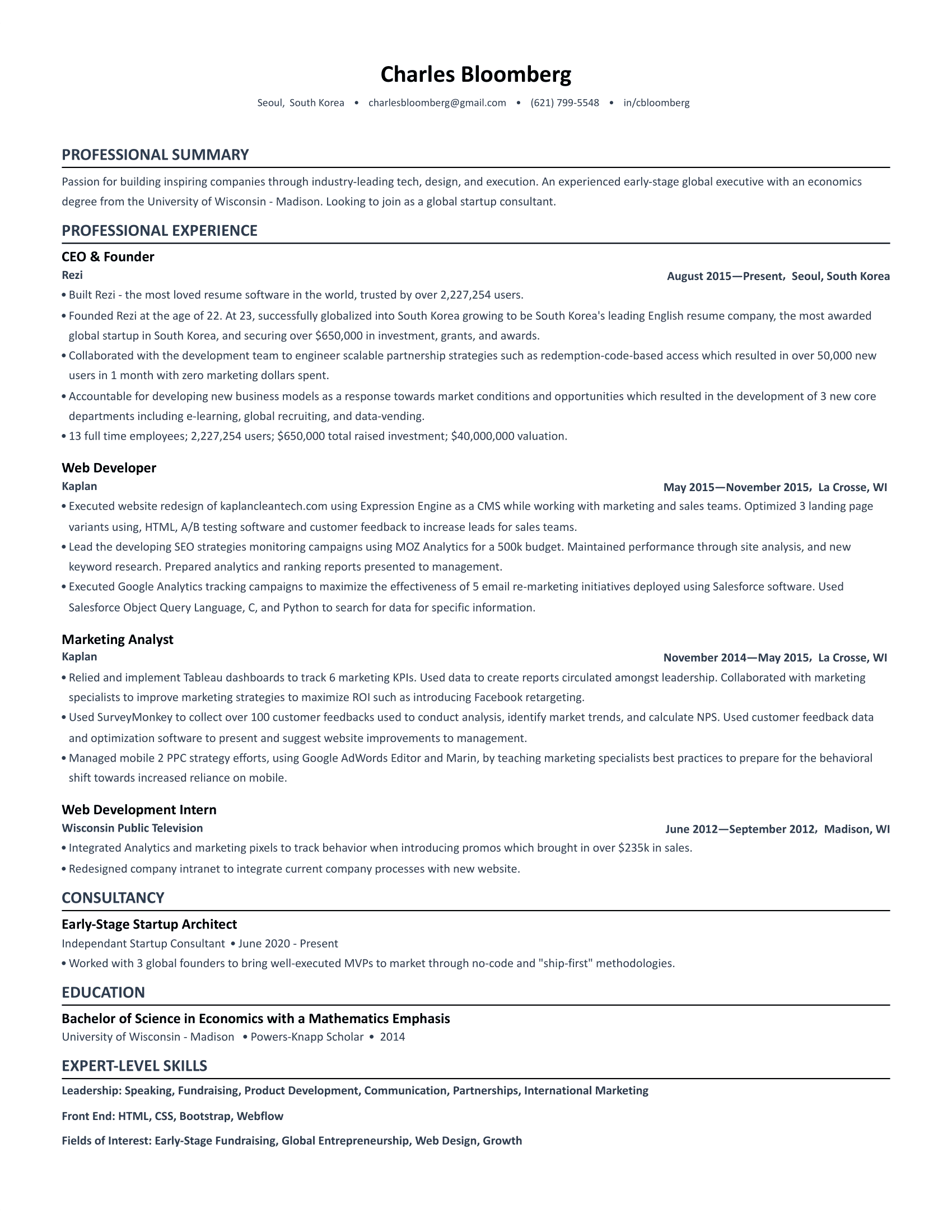
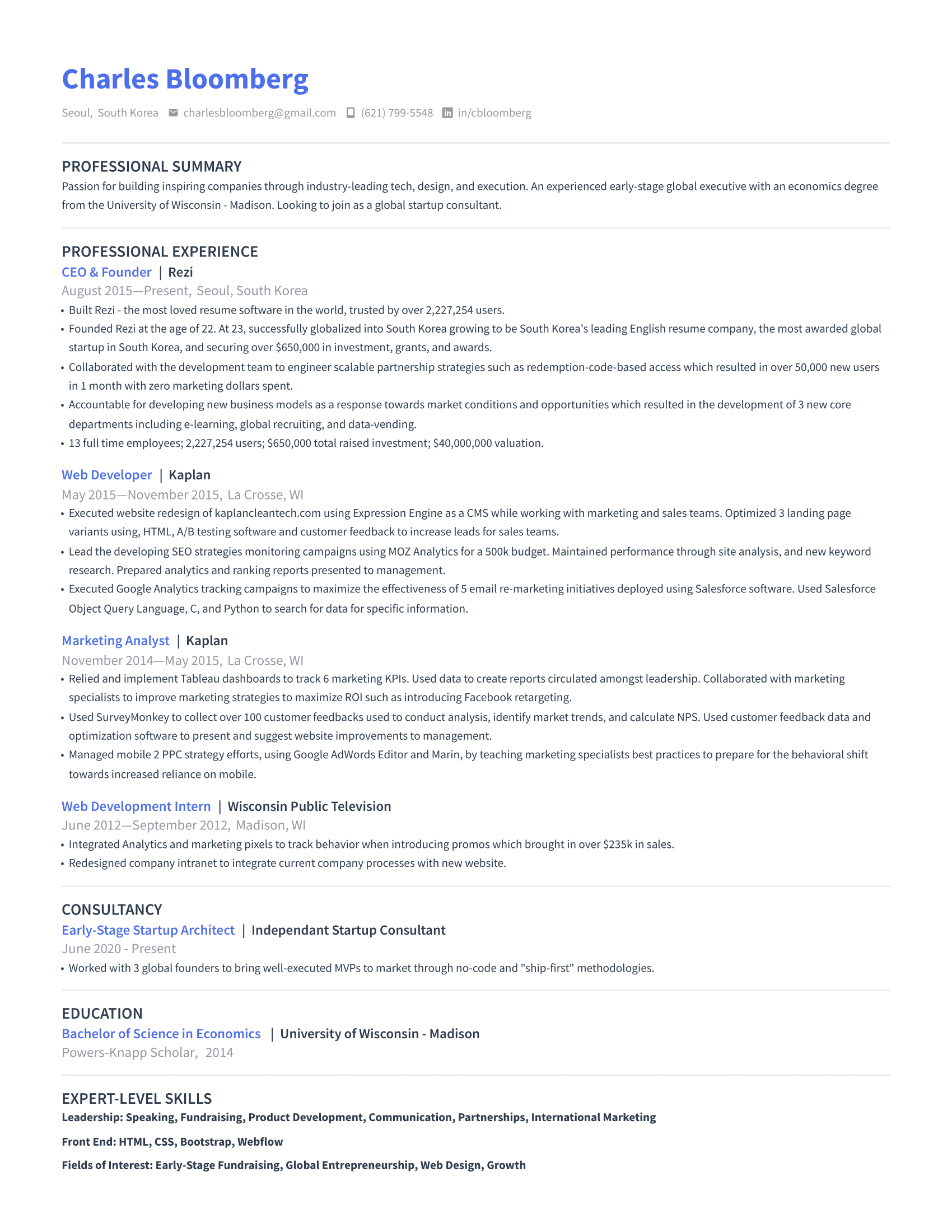
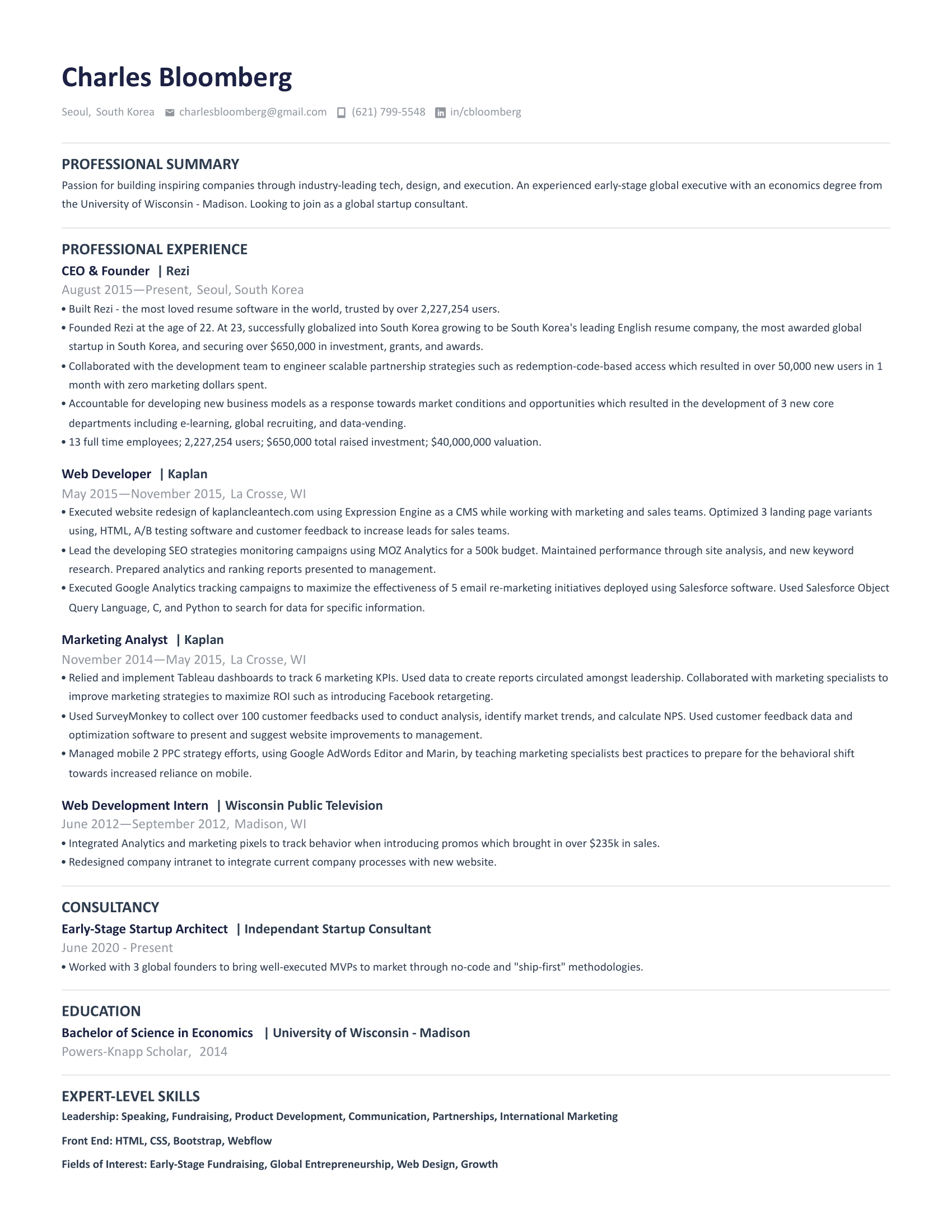
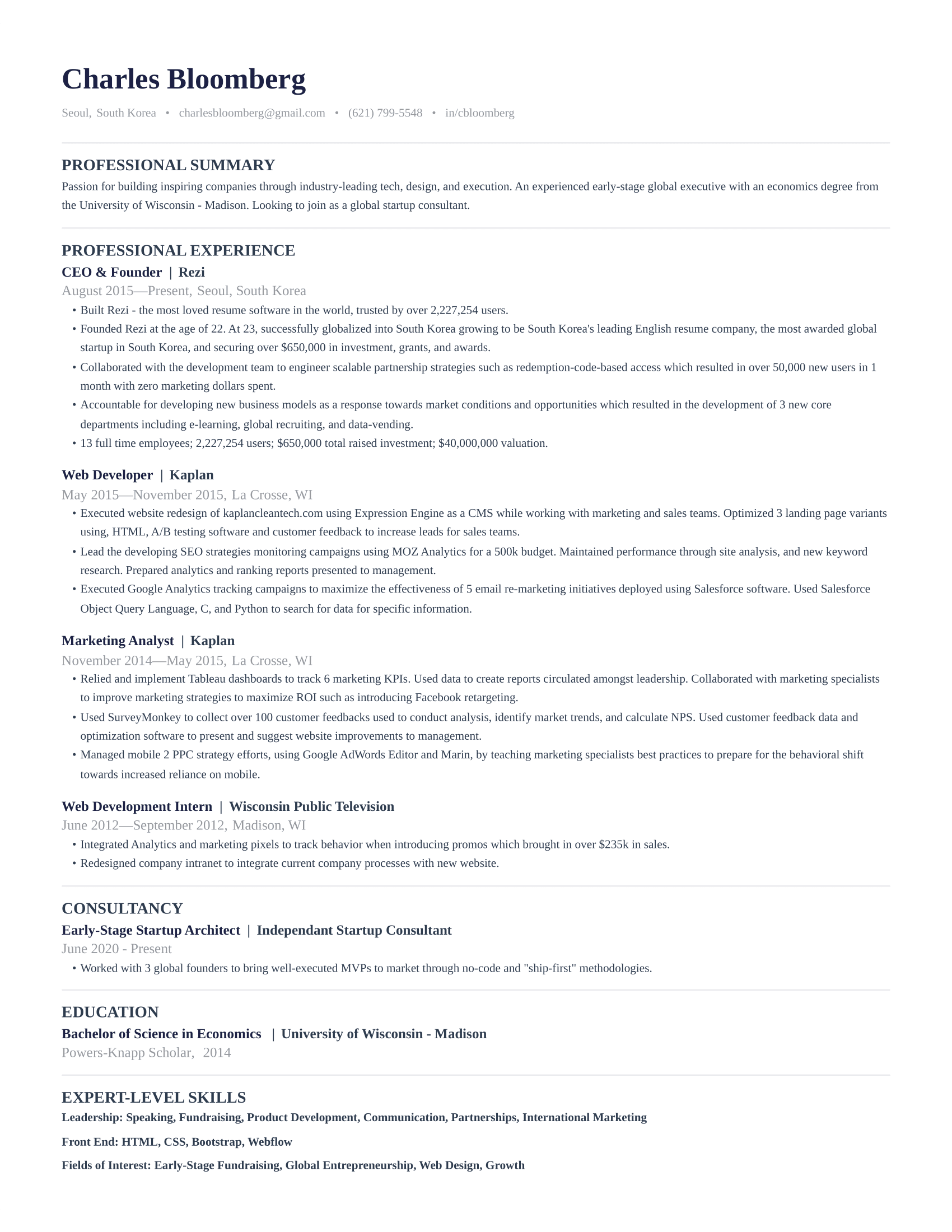
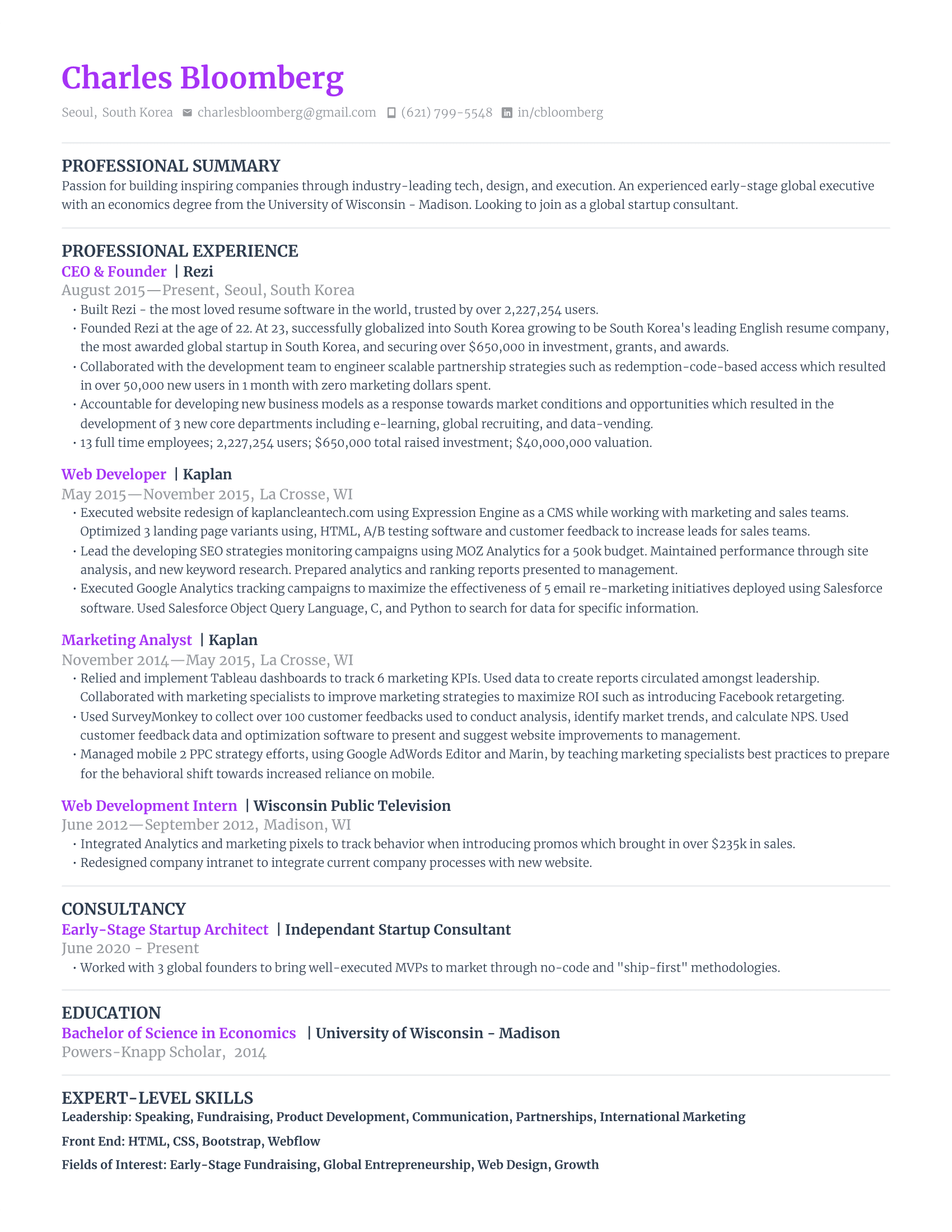
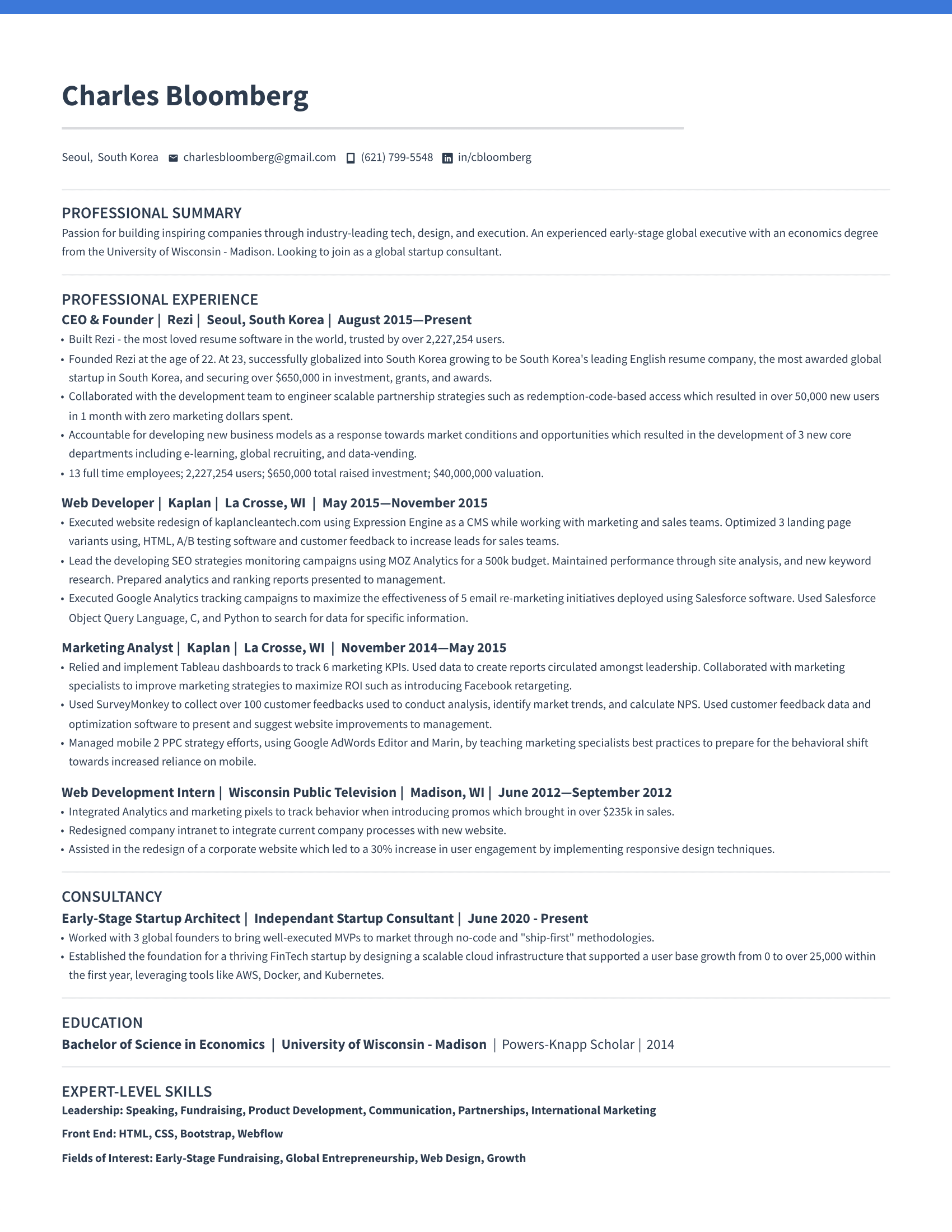
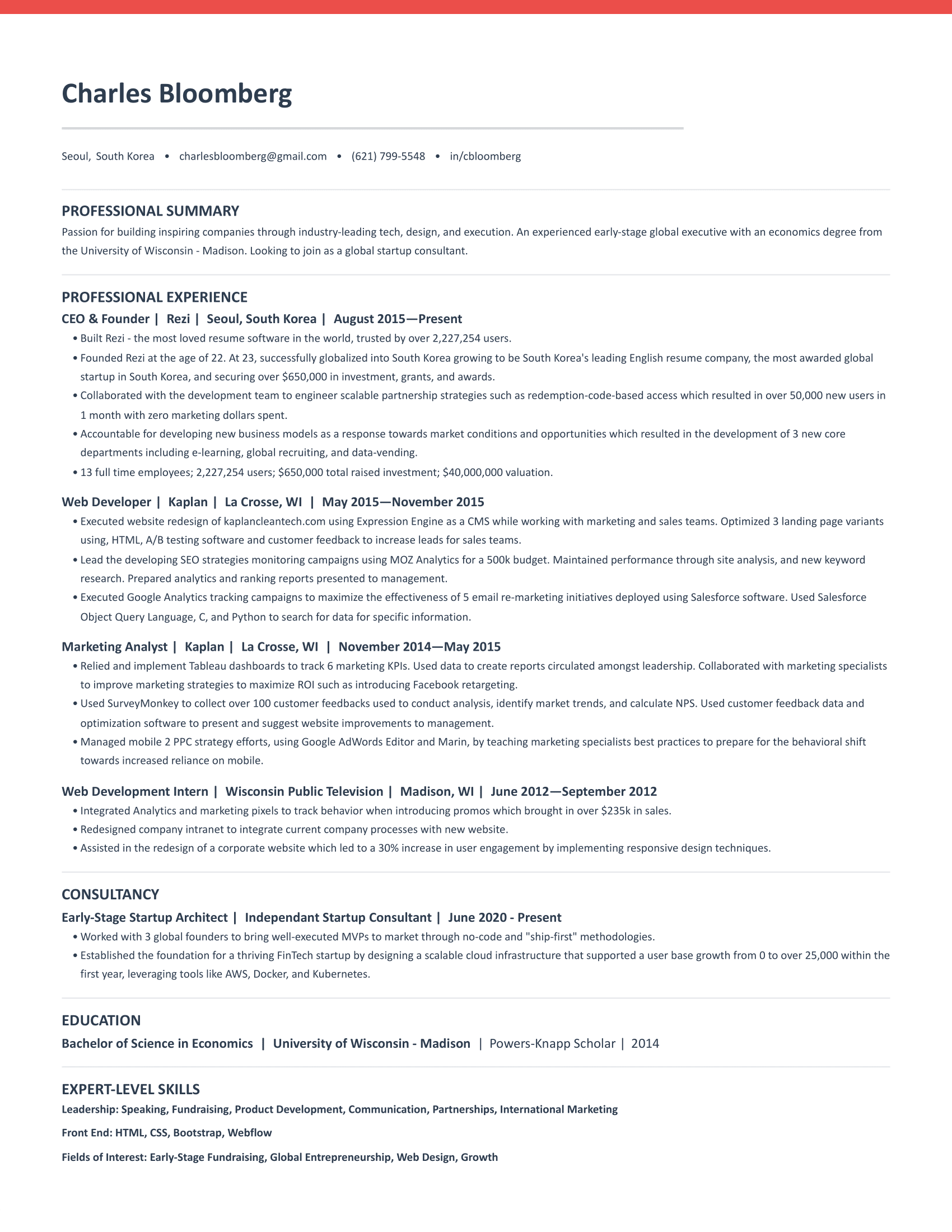
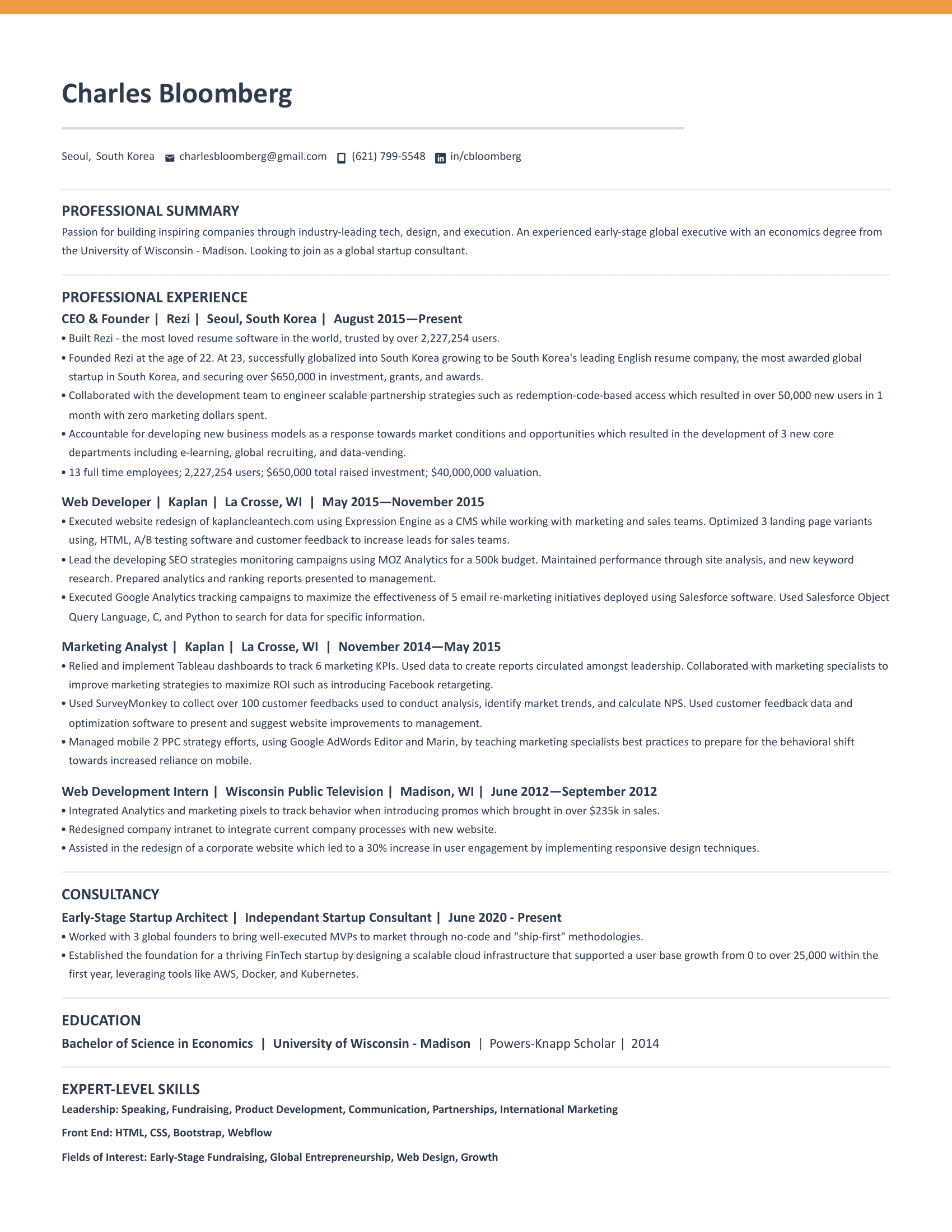
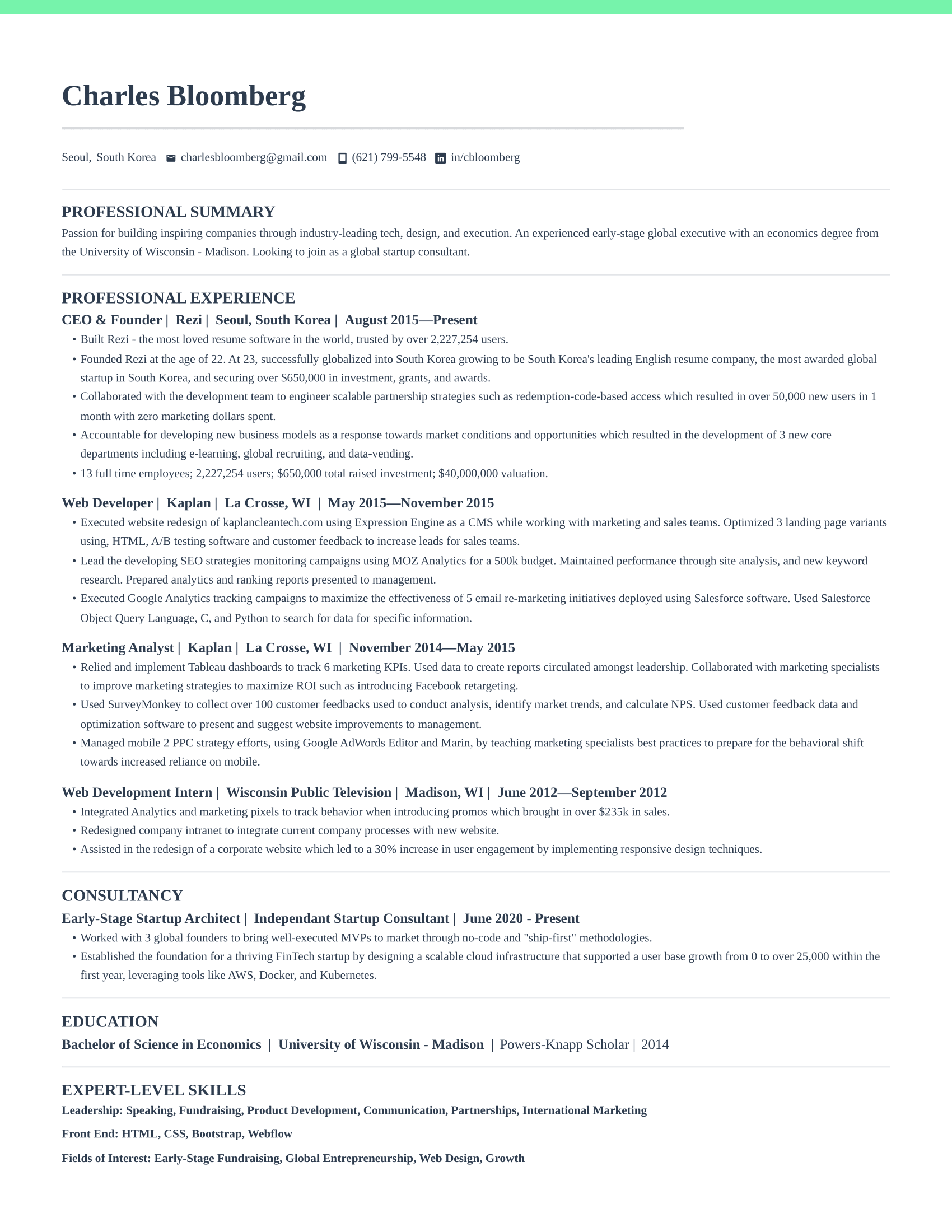
Scroll through the gallery and find a template that fits your industry and personal style. Use the sidebar filters to narrow by category like Simple, Modern, or ATS-Friendly. Every template here is proven across different roles and experience levels, so trust your gut on which one looks right.
Step 2
Download as DOCX or copy as Google Doc
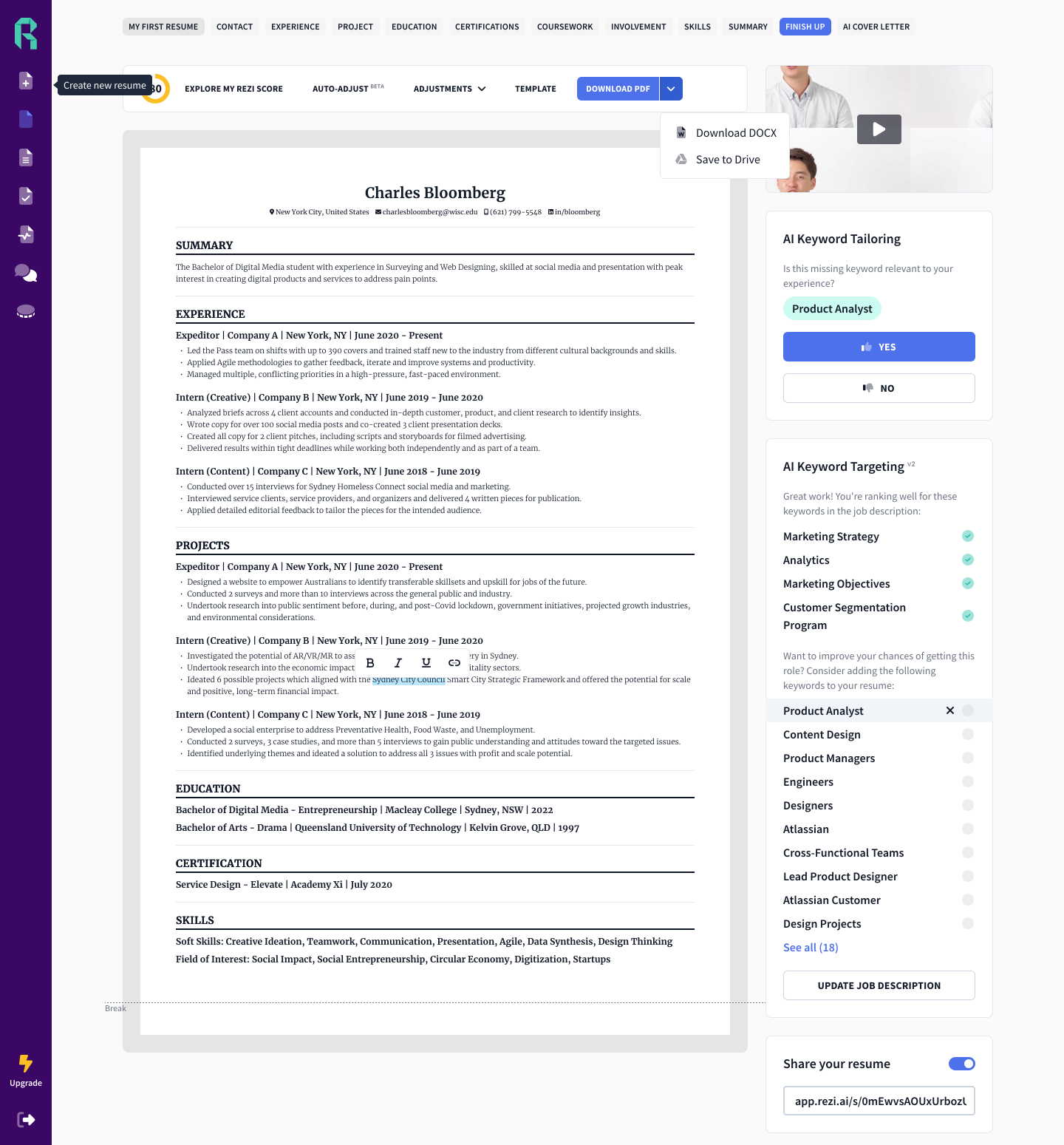
Each template card has two buttons. Click DOCX to download a Word file you can edit in Microsoft Word, LibreOffice, or Pages. Prefer working online? Hit Google Docs to get an editable copy dropped straight into your Drive. Both options give you the exact same template.
Step 3
Replace the placeholder text with your info
Swap out the sample content with your real details. Fill in your contact info, work experience, education, and skills. The formatting, spacing, and typography are already dialed in so you can focus entirely on writing great content. Don't overthink the design — that part is done.
Step 4
Save as PDF and start applying
Export your finished resume as a PDF to lock in the formatting. This ensures it looks identical on every screen and prints perfectly. Upload it to job boards, email it to recruiters, or attach it directly to applications. You're ready to go.
02 — Quality criteria
What Makes a Good Resume Template?
ATS compatibility
Most large companies use applicant tracking systems to screen resumes before a human ever sees them. A good template uses standard formatting, avoids tables and text boxes, and sticks to fonts that ATS software can read. Every template in this library passes ATS parsing tests.
Clean formatting and readable fonts
Recruiters spend an average of 7 seconds on an initial resume scan. Clean formatting with clear visual hierarchy helps them find what they need fast. Stick to professional, readable fonts at 10-12pt for body text and use bold or slightly larger sizes for headings.
Proper section hierarchy
The standard order that recruiters expect is: contact information, professional summary, work experience, education, and skills. This hierarchy is baked into every template here so you don't have to think about structure — just fill in each section with your content.
One page for most candidates
Unless you have over a decade of directly relevant experience, keep your resume to one page. A good template helps you fit more content into a single page through smart use of margins, spacing, and font sizing — without feeling cramped or cluttered.
03 — Common questions
Resume Template FAQ
- Are these resume templates really free?
- Yes, completely free. You can download any template as a DOCX file or copy it as a Google Doc without creating an account or paying anything. These are the same templates used in the Rezi AI resume builder, and we decided to make them available to everyone at no cost.
- Are these templates ATS-friendly?
- Yes. All templates are designed with applicant tracking systems in mind. They use standard fonts, proper heading hierarchy, and clean formatting that ATS software can parse correctly. No tables, text boxes, or graphics that could confuse automated screening tools.
- Should I use Google Docs or Word for my resume?
- Both work well. Google Docs is convenient if you want to edit from any device and easily share a link. Word (DOCX) gives you more formatting control and is the standard format most employers expect. When submitting your resume, always export to PDF regardless of which tool you use.
- What's the best resume format in 2026?
- The reverse-chronological format remains the most effective for most job seekers. List your most recent experience first and work backward. Use a clean, single-column layout with clear section headings. Keep it to one page unless you have 10+ years of relevant experience.
- Can I customize these templates?
- Absolutely. Once you download a DOCX file or copy a Google Doc, it's yours to edit however you like. Change fonts, colors, spacing, section order — whatever works best for your situation. The templates are a starting point, not a rigid format.
- Do I need a different resume for each job?
- Ideally, yes. You don't need a completely different template each time, but you should tailor your resume content to match the job description. Adjust your summary, reorder bullet points to highlight relevant experience, and include keywords from the posting.
04 — Format comparison
Google Docs vs Word Resume Templates
Both Google Docs and Microsoft Word are excellent for editing a resume template. The right choice depends on how you work.
Google Docs
- Free with any Google account. Nothing to install.
- Edit from any device — laptop, phone, or tablet.
- Easy to share a link for feedback or collaboration.
- Auto-saves so you never lose progress.
- Fewer formatting options than Word, but plenty for a resume.
Microsoft Word (DOCX)
- Industry standard format every recruiter and ATS can read.
- More precise control over spacing, margins, and typography.
- Works offline — no internet required.
- Better compatibility with complex formatting.
- Available via Microsoft 365 or free alternatives like LibreOffice.
Our recommendation: Use whichever you're more comfortable with. When submitting, always export as PDF — it locks in formatting and looks the same on every screen.
What people are saying
Great Resume Service
I use their resume creation service and found it better among all famous services out there. Their service seems highly underrated to me. Great job, people!
John Shepard
Feb 3, 2026
Customer service was better than I expected
The free version has great features, and the paid upgrade with job description keyword matching is a game-changer. Very responsive support team.
Can
Jan 31, 2026
My perfect resume
Straightforward resume creation process with multiple editing capabilities. A recruiter actually praised the quality of my final product.
Maria Marini
Jan 28, 2026
Game-changer for resume building
Game-changer for resume building and interview practice. The AI interview feature, job board customization, and practical job-search tools save so much time.
Tarun Dhawan
Jan 25, 2026
Excellent resume builder with ATS-focused precision
Well-designed ATS optimization, practical guidance, clear bullet suggestions, and intelligent resume analysis features.
Ahmad Mujtaba
Jan 22, 2026
Rezi helped me land my first high-paying job
Rezi helped me land my first high-paying job! The templates and AI suggestions made all the difference in my applications.
Ian Vincent Arevalo
Jan 18, 2026
Great Resume Service
I use their resume creation service and found it better among all famous services out there. Their service seems highly underrated to me. Great job, people!
John Shepard
Feb 3, 2026
Customer service was better than I expected
The free version has great features, and the paid upgrade with job description keyword matching is a game-changer. Very responsive support team.
Can
Jan 31, 2026
My perfect resume
Straightforward resume creation process with multiple editing capabilities. A recruiter actually praised the quality of my final product.
Maria Marini
Jan 28, 2026
Game-changer for resume building
Game-changer for resume building and interview practice. The AI interview feature, job board customization, and practical job-search tools save so much time.
Tarun Dhawan
Jan 25, 2026
Excellent resume builder with ATS-focused precision
Well-designed ATS optimization, practical guidance, clear bullet suggestions, and intelligent resume analysis features.
Ahmad Mujtaba
Jan 22, 2026
Rezi helped me land my first high-paying job
Rezi helped me land my first high-paying job! The templates and AI suggestions made all the difference in my applications.
Ian Vincent Arevalo
Jan 18, 2026
Rezi FTW
I've used Rezi for my resume for years. It literally makes it so easy to churn out that resume and has landed me my jobs sooo... Thank u rezi ur great!
Gia
Jan 15, 2026
An Evolving Toolset's Best of Breed
The best of breed among resume tools. After 20 years of using various platforms, this one stands out for its speed, straightforwardness, and polish.
BMA SUB
Jan 10, 2026
Reduces the pain of formatting
Rezi Pro reduces the pain of formatting and customization. I particularly value the active Reddit community engagement from the developers.
Josh Spendlove
Jan 6, 2026
Highly Recommend Rezi for Job Seekers
Minimal, clean interface compared to other platforms. The company's startup story is inspiring and the team support is exceptional.
Zara Wazir
Dec 28, 2025
Amazing system, user friendly UI
ATS-friendly formats and the AI agent is superb for accomplishing tasks quickly. Very intuitive and well-designed platform.
Yan
Dec 20, 2025
The best AI resume tool so far
Three months of use providing comprehensive help across all job hunting aspects from preparation to application. Couldn't recommend more.
Majdolin Abu Musallem
Dec 15, 2025
Rezi FTW
I've used Rezi for my resume for years. It literally makes it so easy to churn out that resume and has landed me my jobs sooo... Thank u rezi ur great!
Gia
Jan 15, 2026
An Evolving Toolset's Best of Breed
The best of breed among resume tools. After 20 years of using various platforms, this one stands out for its speed, straightforwardness, and polish.
BMA SUB
Jan 10, 2026
Reduces the pain of formatting
Rezi Pro reduces the pain of formatting and customization. I particularly value the active Reddit community engagement from the developers.
Josh Spendlove
Jan 6, 2026
Highly Recommend Rezi for Job Seekers
Minimal, clean interface compared to other platforms. The company's startup story is inspiring and the team support is exceptional.
Zara Wazir
Dec 28, 2025
Amazing system, user friendly UI
ATS-friendly formats and the AI agent is superb for accomplishing tasks quickly. Very intuitive and well-designed platform.
Yan
Dec 20, 2025
The best AI resume tool so far
Three months of use providing comprehensive help across all job hunting aspects from preparation to application. Couldn't recommend more.
Majdolin Abu Musallem
Dec 15, 2025
Import your resume for a free AI review
Upload your existing resume and get an instant score based on formatting best practices, ATS compatibility, and content quality. We'll show you exactly what to fix and reformat it into a proven template automatically.
Drop your resume here or click to browse
PDF or DOCX — max 5MB